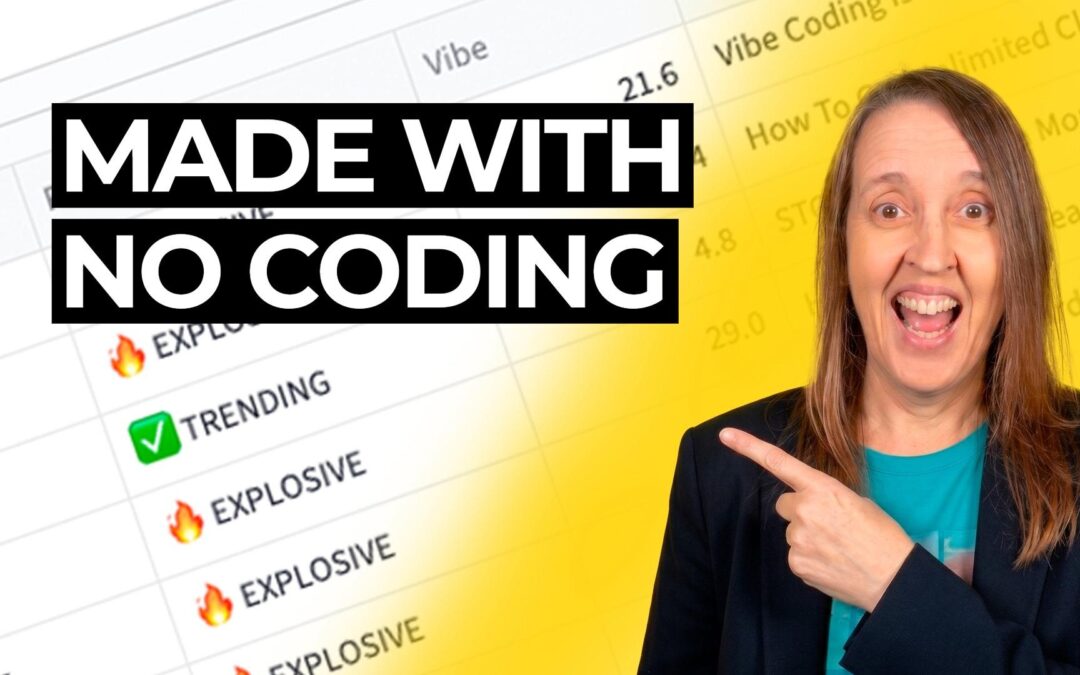
What if you could build your own software tool, even if you’ve never written a line of code in your life? That’s exactly what I did. And honestly, I still can’t quite believe it worked.
I’d been looking at YouTube research tools, the kind that help creators find trending topics, spot keywords, and figure out what’s actually worth making a video about. They exist. Plenty of them. But they all want a monthly subscription. And I don’t know about you, but I’m already subscribed to more things than I care to admit. So I decided to try vibe coding for beginners, which really just means explaining to an AI what you want in plain English and letting it write the code for you.
https://youtu.be/3KT1Mk7uETE
What Is Vibe Coding (And Can a Non-Coder Really Do It)?
Vibe coding is a term that’s been floating around recently, and it sounds fancier than it is. You describe what you want your app to do, in normal everyday language, and an AI tool generates the actual code. You don’t need to understand the code. You just need to be clear about what you’re trying to build.
I’d already made one tiny app for myself before this, so I wasn’t completely starting from zero. But this YouTube tool felt like a proper challenge. Multiple features, real data, things that needed to actually work together. I won’t pretend I wasn’t nervous.
The Bit Nobody Talks About: Getting Stuck
When I actually opened the software, I had absolutely no idea what to do. None. I just sat there staring at it. Great start.
What saved me was setting up a Gemini Gem (similar to a custom GPT or ChatGPT Project) to act as a mentor. Basically an AI assistant I’d configured to guide me through the whole process. I’d describe what I wanted, it would explain what to do, and when I hit a wall, it helped me work through it.
There were moments where I sat for two hours trying to get one single thing to work. Two hours. For one thing. But every time I pushed through, I understood a little more about how it all fitted together. After 25 years as a freelance graphic designer, I’m used to wrestling with software until it behaves. This wasn’t so different, really. Just a new kind of wrestling.
What I Actually Built (Without Writing Code)
The part I’m most pleased with is something I’m calling the Outlier Hunter. You type in a keyword, hit search, and it finds YouTube videos that got far more views than you’d expect for the size of the channel. So if a channel has 10,000 subscribers but one video got 200,000 views, something about that topic clearly resonated. That’s useful information.
I also built a Keyword Explorer for surfacing video ideas I might not have thought of on my own, and an Idea Lab that gives me a rough sense of how competitive a topic is before I commit to filming anything. There’s a title scorer too, though I’ll be honest, that one still needs work.
Is it perfect? No. Not even close. But it does what I need, and I built it. Me. The person who cannot code.
Why This Matters If You’re Over 50 and Not Technical
If you’re sitting there thinking “I could never do something like that,” I completely understand. That was me a few months ago. I wish I’d had someone tell me then just how low the barrier actually is now.
You don’t need to build a YouTube research tool. Start with something small. Something you actually need. Maybe it’s a simple calculator for quoting client work, or a tool that organises your content ideas. Build that first, get comfortable with the process, and then add to it.
The AI does the technical heavy lifting. Your job is knowing what you want and being willing to sit with the discomfort of not understanding everything straight away. Which, if you’ve ever learned Photoshop or figured out your own tax return, you’ve already done.
You might surprise yourself.
Frequently Asked Questions
Do I need any coding experience to try vibe coding?
No. Vibe coding means you describe what you want in plain English, and the AI writes the code. I have zero coding knowledge and I built a working multi-feature tool.
What tools do I need to start vibe coding?
You need an AI coding tool (there are several available, some free) and an AI assistant like ChatGPT or Gemini to help guide you when you get stuck. I used a Gemini Gem set up as a mentor.
How long does it take to build something with vibe coding?
It depends on complexity. My YouTube research tool took quite a few sessions, including plenty of time spent troubleshooting. A simpler first project could take an afternoon.
I share practical AI tips like this every week, things I’m actually trying and building myself, not just theory. If you’d like to get my weekly AI emails, you can sign up on the homepage. No fluff, no hype. Just what’s working for me right now.